↔
One balance, no mental math.
Tabby nets shared expenses into a clear overall balance so settling up stays simple.
- See what you owe and what you're owed
- Track settlements and activity
- Keep groups and one-to-one tabs organized
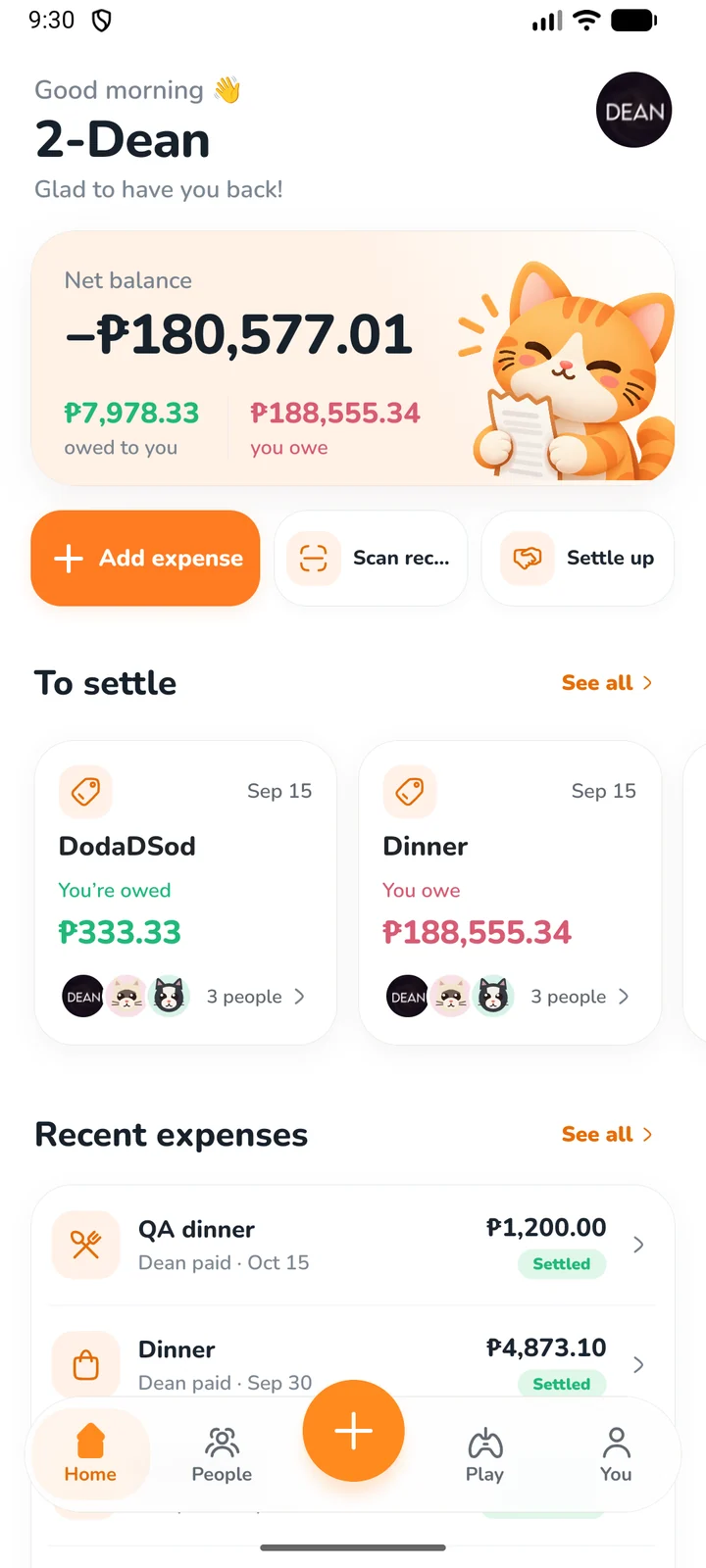
Track shared expenses, scan receipts, settle balances, and—only when you want—play a quick game to decide who pays.
 Less awkward.
Tabby keeps the useful parts of bill splitting front and center, then adds a little personality without getting in the way.
Tabby nets shared expenses into a clear overall balance so settling up stays simple.
Add friends locally or connect accounts by email, then see balances and activity in one place.
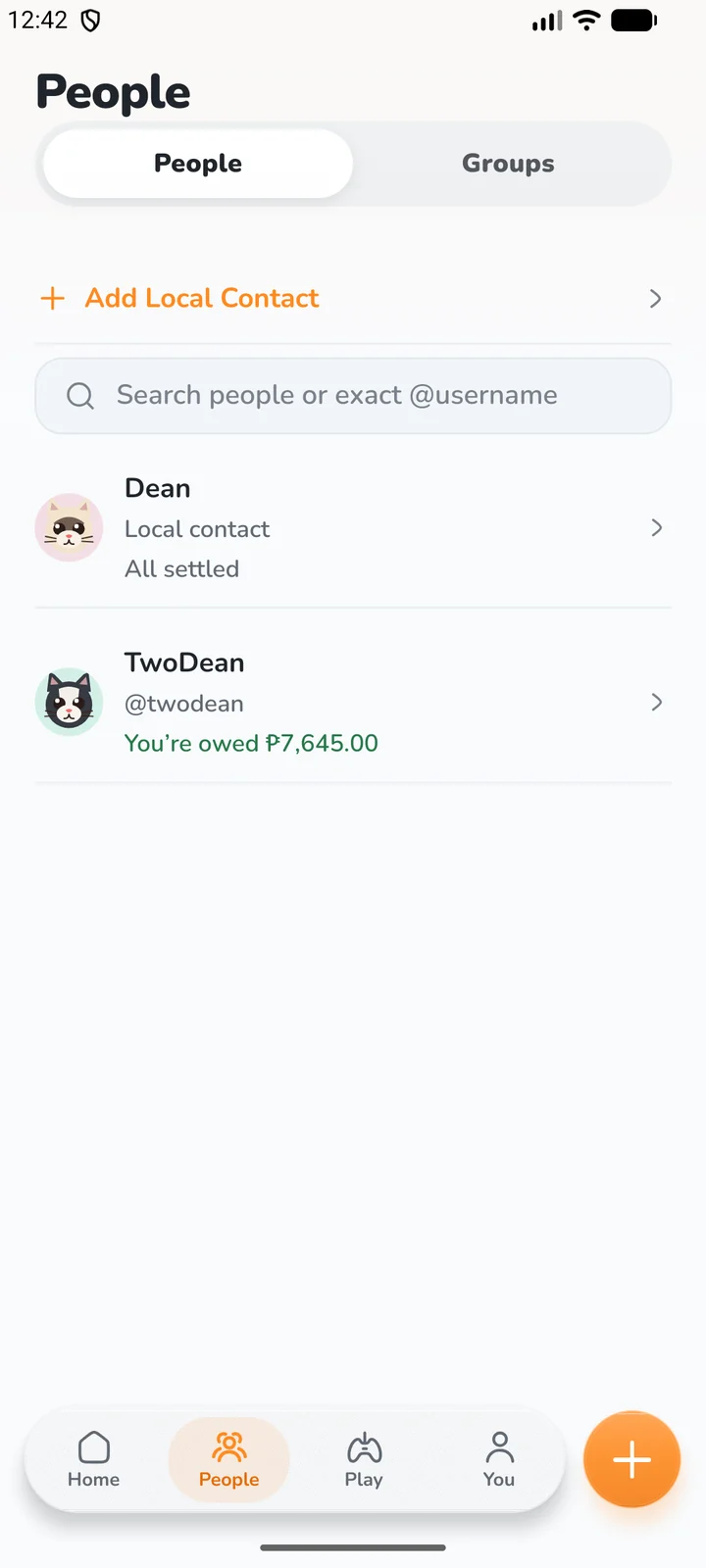
Mini-games are optional. Use them for a fun payer decision, or skip them entirely and split normally.
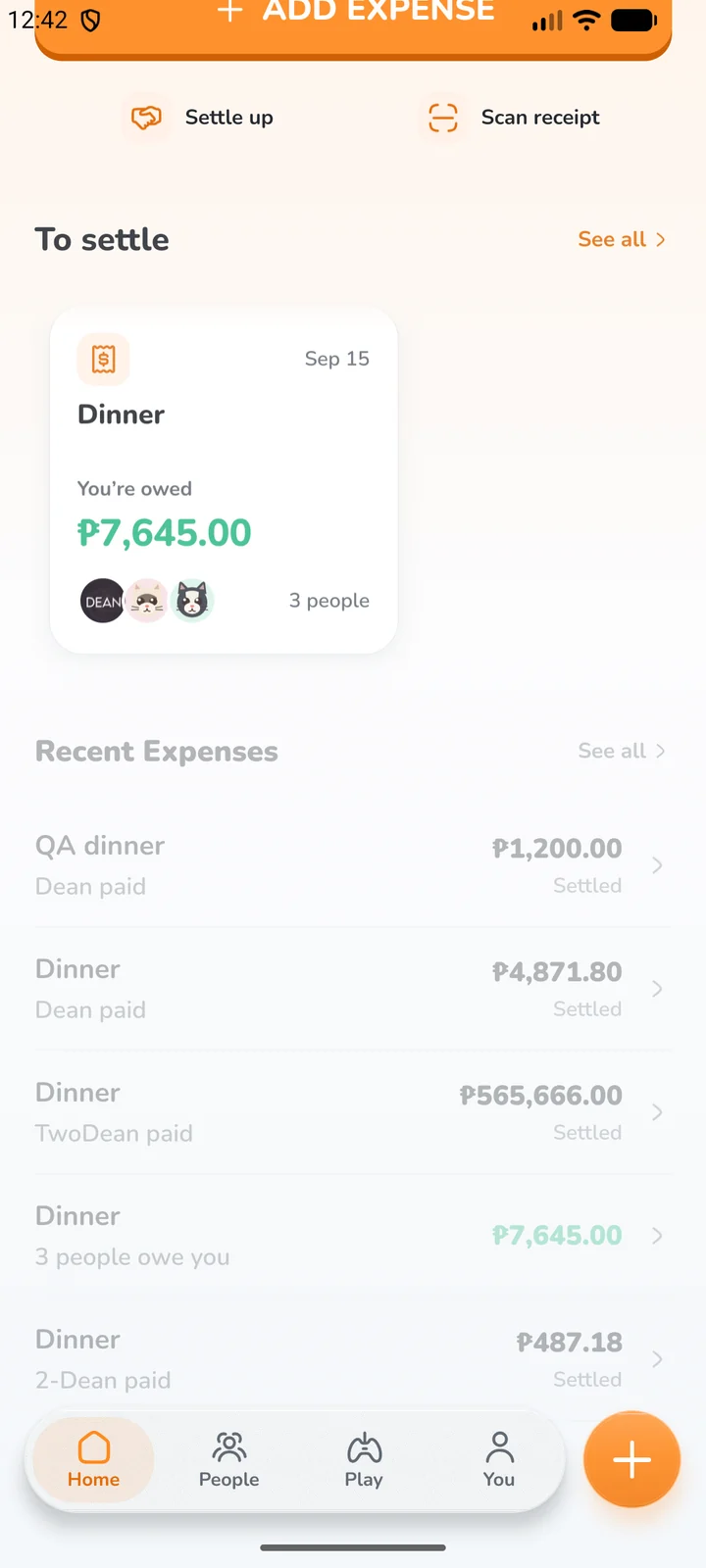
Enter it manually or scan a receipt, then pick the people involved.
Split evenly, assign custom shares, or use a game if the group wants one.
Tabby keeps the running balance clear and records payments when everyone squares up.
Tabby uses account authentication and cloud sync for the people who choose to sign in. Transactional notifications and emails are tied to real product activity—not marketing blasts.
Tabby is being prepared for release on iOS and Android.